An app template for Nostr Game Engine.
Check out the documentation at ngengine.org/docs/getting-started;
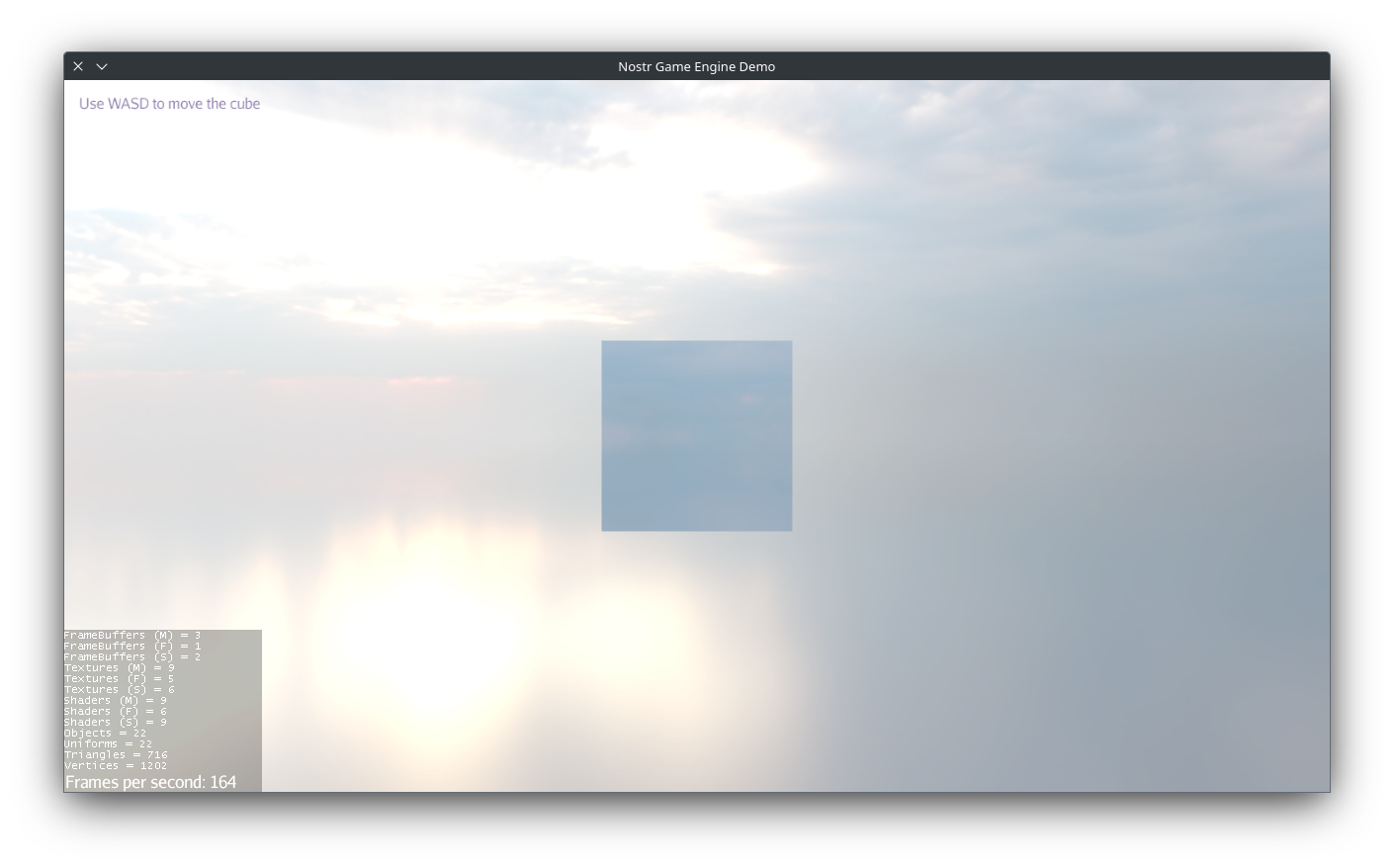

While ngengine can be used in any Gradle project, this template provides a fixed structure that’s recommended for most applications. It lets you focus on writing your game logic without worrying about setting up platform-specific build scripts and dependencies.
Your main game code should go in the app/ module.
All modules that start with platform- contain platform-specific code and resources.
The application’s entry point is located at app/src/main/java/org/ngengine/app/Main.java.
You should initialize your game components here, but do not move or rename this file, as all platform-specific launchers depend on this path.
You can organize your components under any package structure you prefer, just keep this file in place.
Files under app/src/main/resources/ are bundled into your application.
This is the ideal place for your game assets and other bundled resources.
The main configuration file is located at app/src/main/resources/ngeapp.json.
It defines default settings for your application, such as name, version, and default relays.
These properties are automatically loaded by the NGEAppSettings class and can be accessed anywhere in your code.
You can also allow users to modify these settings at runtime, see the documentation for details.
The logo in icon.png is used throughout the project as the default application icon.
Platform-specific code and resources are located in the following directories:
platform-android/: Android-specific code and assetsplatform-desktop/: Desktop-specific code and resources (Windows, macOS, Linux)platform-web/: Web-specific code and resources
These are hidden by default in VSCode to reduce clutter, but you can still access them when needed by editing the file exclusion list in .vscode/settings.json.
The dist/ directory is where the final build outputs are placed.
- Platforms: Linux, Windows, macOs
- Output path:
dist/portable/<app short name>-<version>.jar - Build-time requirements:
- Java JDK 21+
- Run-time requirements:
- Java JRE 21+
- Build commands:
./gradlew buildPortable
- Platforms: Linux, Windows, macOs
- Output path:
dist/native/<app short name>-<version>-<platform>.buildNative - Build-time requirements:
- GraalVM 25+
- The same platform as the target (Linux, Windows, macOs), cross-compilation is not supported
- Run-time requirements: None
- Build commands:
./gradlew traceNative: Generates a trace file by running the app on the JVM. This step is required only once, or when you add new code paths that need to be included in the native image../gradlew buildNativeExecutable: Builds the native executable using the trace file.
- Platforms: Android
- Build-time requirements:
- Android SDK 36+
- Run-time requirements:
- Android 16+
- Build commands:
./gradlew :platform-android:installDebug: to build and install the debug APK on a connected device or emulator./gradlew :platform-android:generateAndroidLauncherIcons: to generate launcher icons fromicon.png
You can open the project in Android Studio for easier management of signing keys, dependencies, and other Android-specific settings.
- Platforms: Web (modern browsers)
- Output:
dist/web/ - Build-time requirements:
- Java JDK 21+
- Run-time requirements:
- Modern web browser with webgl2 support
- Build command:
./gradlew buildWebApp: build./gradlew runWebApp: build and serve at http://localhost:8080
- Platforms: Web (modern browsers)
- Output:
dist/web-bundle/ - Build-time requirements:
- Java JDK 21+
- Run-time requirements:
- Modern web browser with webgl2 support
- Build command:
./gradlew buildBundledWebApp./gradlew runBundledWebApp: build and serve at http://localhost:8080
The bundled web app differs from the regular web app by including most of its resources in a single ZIP file, which reduces the number of network requests required to load the app. This is particularly useful when hosting in environments with strict rate limits.
The recommended way to debug the app is to run the desktop platform launcher org.ngengine.platform.DesktopLauncher directly from your IDE or debugger. This is already set up in the provided VS Code launch configuration under the "Debug Application" profile.
All the code and resources in this repository (https://github.com/NostrGameEngine/nge-app-template) are licensed under public domain
This is free and unencumbered software released into the public domain.

Anyone is free to copy, modify, publish, use, compile, sell, or
distribute this software, either in source code form or as a compiled
binary, for any purpose, commercial or non-commercial, and by any
means.

In jurisdictions that recognize copyright laws, the author or authors
of this software dedicate any and all copyright interest in the
software to the public domain. We make this dedication for the benefit
of the public at large and to the detriment of our heirs and
successors. We intend this dedication to be an overt act of
relinquishment in perpetuity of all present and future rights to this
software under copyright law.

THE SOFTWARE IS PROVIDED "AS IS", WITHOUT WARRANTY OF ANY KIND,
EXPRESS OR IMPLIED, INCLUDING BUT NOT LIMITED TO THE WARRANTIES OF
MERCHANTABILITY, FITNESS FOR A PARTICULAR PURPOSE AND NONINFRINGEMENT.
IN NO EVENT SHALL THE AUTHORS BE LIABLE FOR ANY CLAIM, DAMAGES OR
OTHER LIABILITY, WHETHER IN AN ACTION OF CONTRACT, TORT OR OTHERWISE,
ARISING FROM, OUT OF OR IN CONNECTION WITH THE SOFTWARE OR THE USE OR
OTHER DEALINGS IN THE SOFTWARE.

For more information, please refer to <https://unlicense.org>