

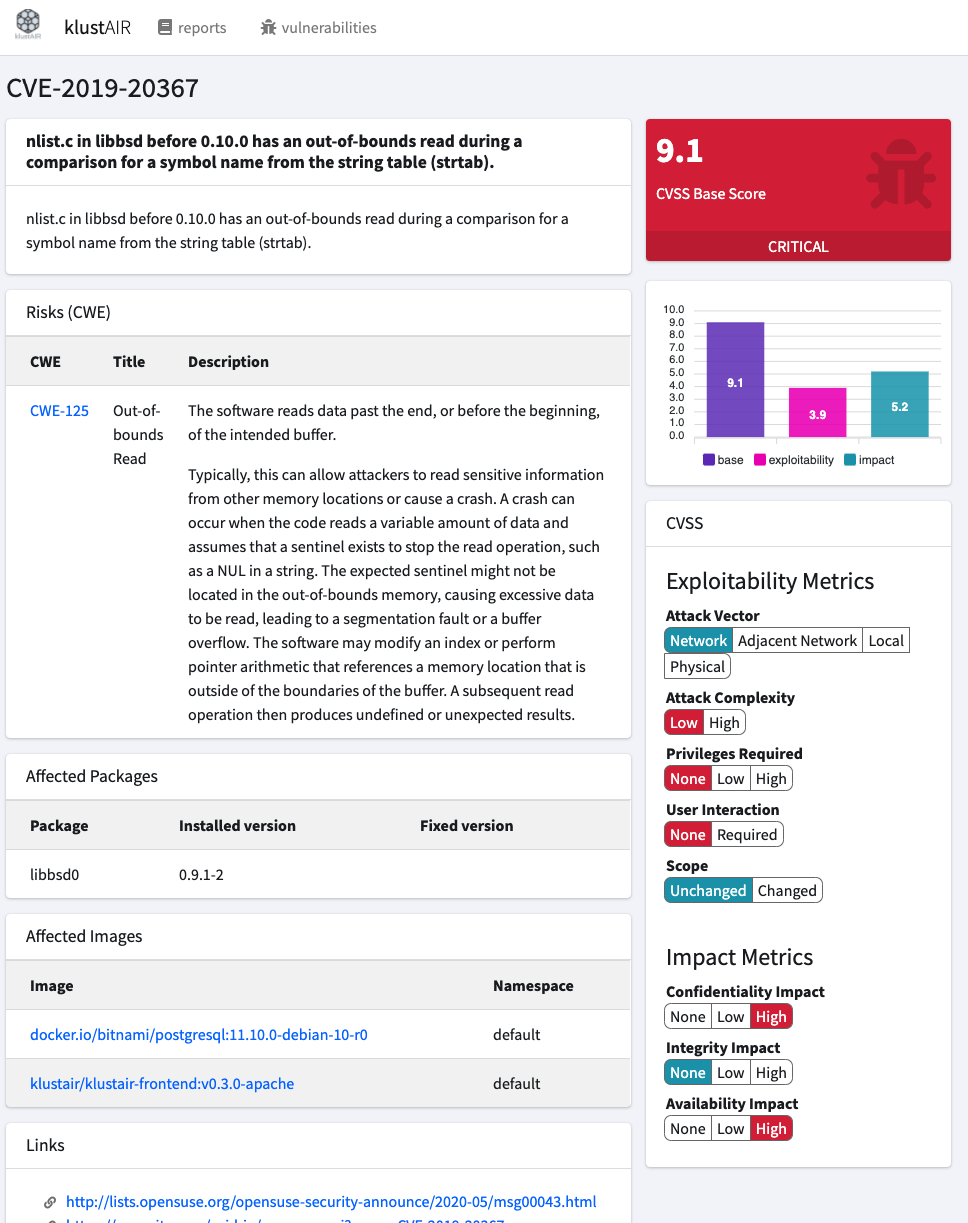
The Klustair scanner scanns your Kubernetes namespaces for the used images and scan them with trivy. This frontend displays the result of the scanned namespaces and images in a report.
Demo : https://klustair.herokuapp.com/
- The vulnerabilities of an images can be reviewed and whitelisted if they dont apply to any risk.
- Auditing the configuration of your kubernetes cluster
- Klustair runner to scan all your used images with trivy
- Klustair Helm charts to spin up Anchore and Klustair
- trivy A Simple and Comprehensive Vulnerability Scanner for Containers and other Artifacts
- kubeaudit kubeaudit helps you audit your Kubernetes clusters against common security controls
- (DEPRECATED) anchore-engine A service that analyzes docker images and applies user-defined acceptance policies to allow automated container image validation and certification
| ENV VAR | Type | value | description |
|---|---|---|---|
| AUTH | Boolean | true|false | Enables Authentication |
| AUTH_REGISTER | Boolean | true|false | Allows public registration |
| AUTH_RESET | Boolean | true|false | Allows password reset |
| AUTH_VERIFY | Boolean | true|false | Enables E-Mail verfication |
| Type | value | description | |
|---|---|---|---|
| LDAP | Boolean | true|false | Enables LDAP |
| LDAP_TYPE | String | OpenLDAP|ActiveDirectory | Preconfigured for OpenLDAP and Active Directory |
| LDAP_QUERYFIELD | String | uid|mail|{custom} | The field Klustair will try to find the User Account |
| LDAP_LOGGING | Boolean | true|false | Enable logging |
| LDAP_CONNECTION | String | default | Since there is only default, you want to keep this value |
| LDAP_HOST | String | openldap|custom | Hostname of the LDAP Server (without Protocol ldap://) |
| LDAP_USERNAME | String | "cn=admin,dc=example,dc=org" | The DN Klustair uses to connect to LDAP |
| LDAP_PASSWORD | String | The Password Klustair uses to connect to LDAP | |
| LDAP_PORT | Integer | 1389|389 | LDAP listening port |
| LDAP_BASE_DN | String | "ou=users,dc=example,dc=org" | DN where the users are located |
| LDAP_TIMEOUT | Integer | 5 | Query timeout |
| LDAP_SSL | Boolean | true|false | |
| LDAP_TLS | Boolean | true|false |
php artisan klustair:importcwe <version> [<force>]
The current latest Version is 4.3 (2020-12-10) https://cwe.mitre.org/
php artisan klustair:user <action> [<email> [<fullname>]]
Available actions are :
- create [<email> [<fullname>]]
- list
- delete[<email>]
php artisan klustair:token <action> [<name> [<email>]]
Available actions are :
- create [<name> [<email>]]
- list
- delete [<name>]
php artisan klustair:init <action>]
Available actions are :
- waitForDB
php artisan ldap:test

+------------+------------+----------------------------+-------------------------+---------------+
| Connection | Successful | Username                   | Message                 | Response Time |
+------------+------------+----------------------------+-------------------------+---------------+
| default    | ✔ Yes      | cn=admin,dc=example,dc=org | Successfully connected. | 22.27ms       |
+------------+------------+----------------------------+-------------------------+---------------+
Docker images an tags can be found on hub.docker.com
-
klustair/klustair-frontend:v[VERSION]-apache
runs apache and PHP in a combined server. This container is based on Debian and is therefore bigger and has more vulnerabilities. -
klustair/klustair-frontend:v[VERSION]-nginx
Alpine baes Nginx server -
klustair/klustair-frontend:v[VERSION]-php-fpm
Alpine based php-fpm server
Update the values for APP_KEY DB_USERNAME & DB_PASSWORD within docker/.env.example
Note APP_KEY should be a 32 character string which is then base64 encoded you can generate one via openssl rand -base64 32
For example
> openssl rand -base64 32
vtfiojf..redacted..iofE=
APP_KEY=base64:APP_KEY=vtfiojf..redacted..iofE= cd docker
cp .env.example .env
docker-compose up klustair-db klustair-apache cd docker
cp .env.example .env
docker-compose up klustair-db klustair-nginx klustair-php-fpm